Rad Tennis Court · A benefit from your employer
How to use corporate sessions
Your company covers part of the tennis sessions — here's how you sign up, pay your share, and check in for sessions.
The Corporate tab
In the client panel, next to Finances and the Player panel, you'll see your contract — club, day, hours.
Corporate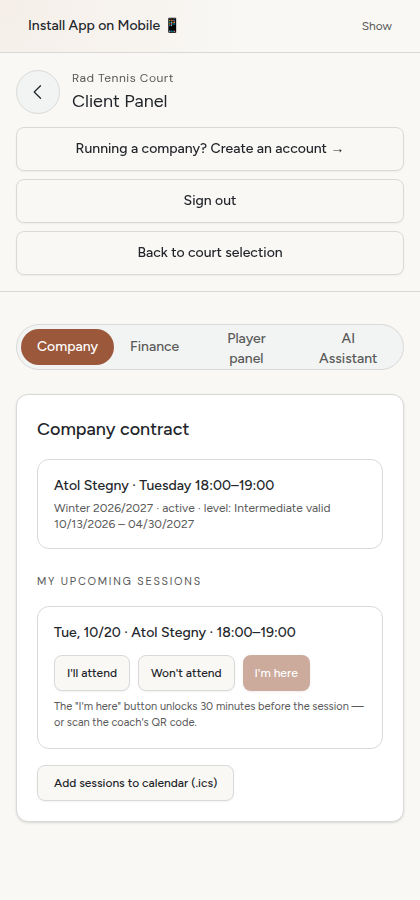
Confirm "I'll be there"
Before each session you confirm whether you're coming. The more people sign up, the less each person pays.
I'll be there Sign-ups close 24h before the session.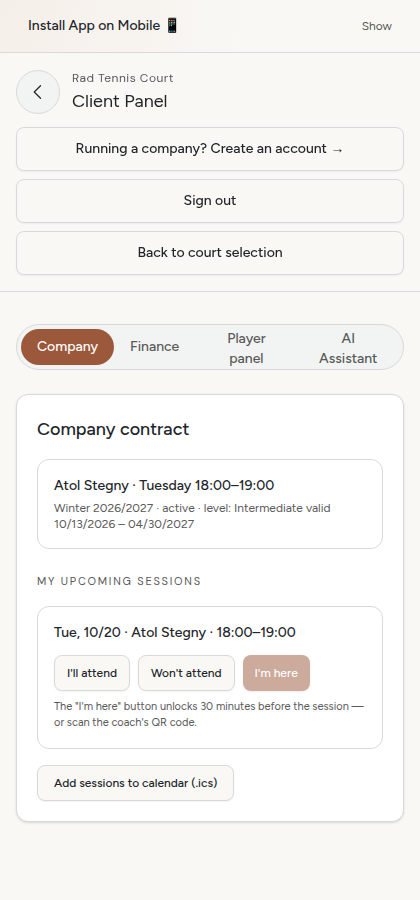
Pay your share
Once sign-ups close you see the exact amount — depending on how many people ended up coming.
Pay your share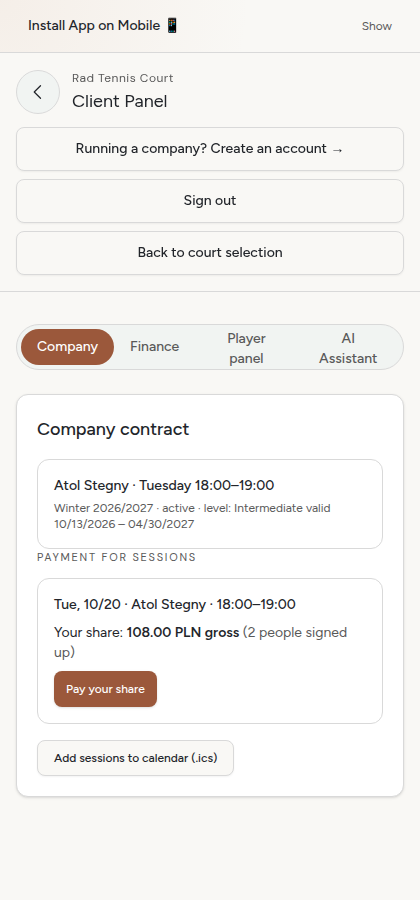
Card payment
Secure payment via Stripe — exactly like a regular court booking.
Pay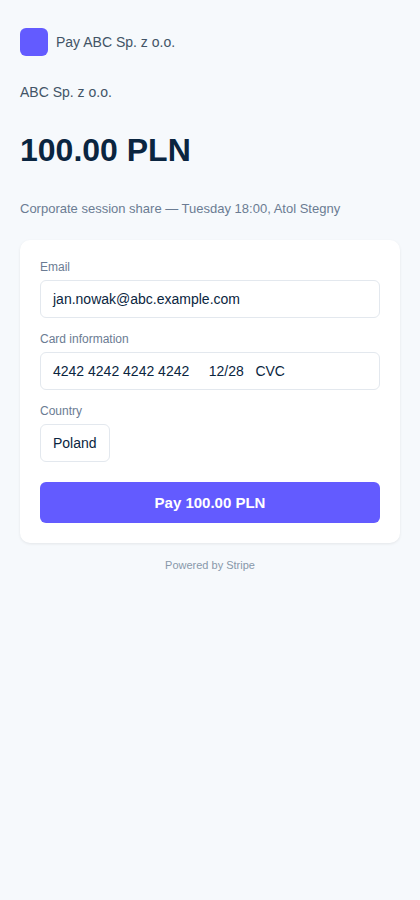
Confirmation
The status changes to "Paid" — there's nothing else to do before the session.
Status: paid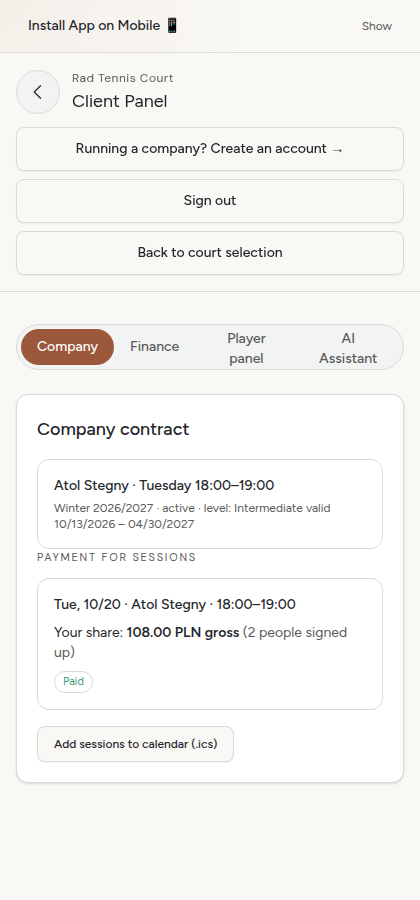
At the club
On the day of the session, up to 30 minutes before, the check-in button unlocks — or scan the coach's QR code.
I'm here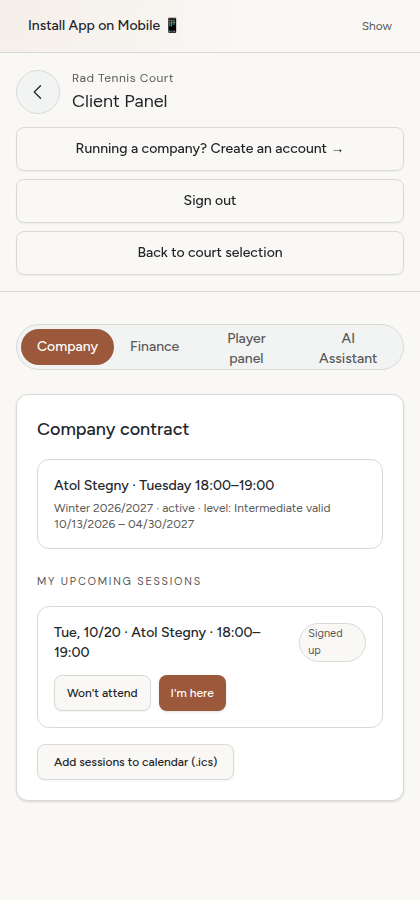
Rad Tennis Court
Note: 3 absences in a row (or not signing up) removes you from the group automatically — sign up regularly, even if you're not going.